جلوبال للتجارة
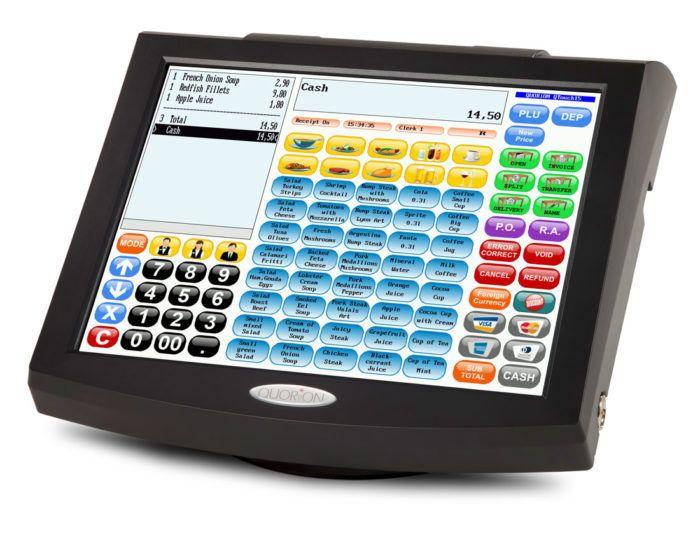
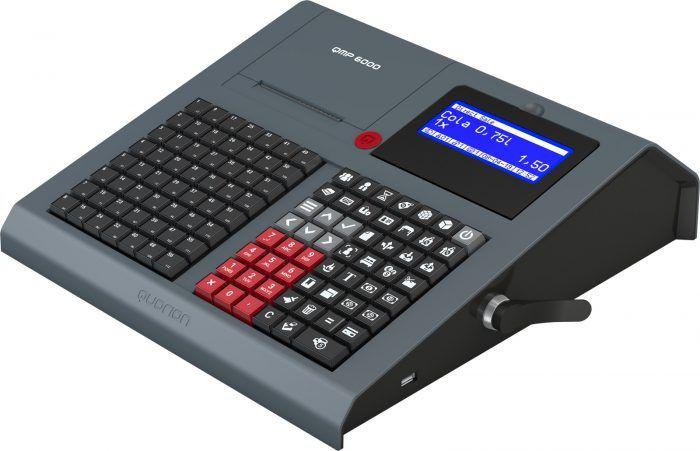
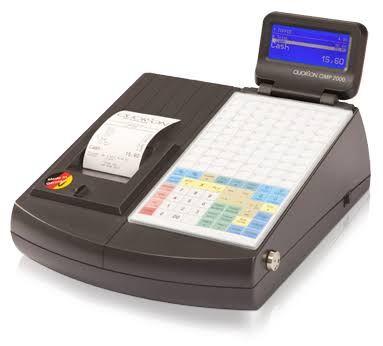
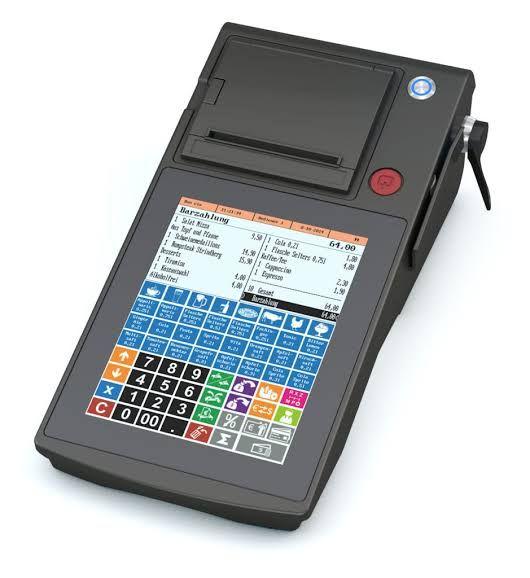
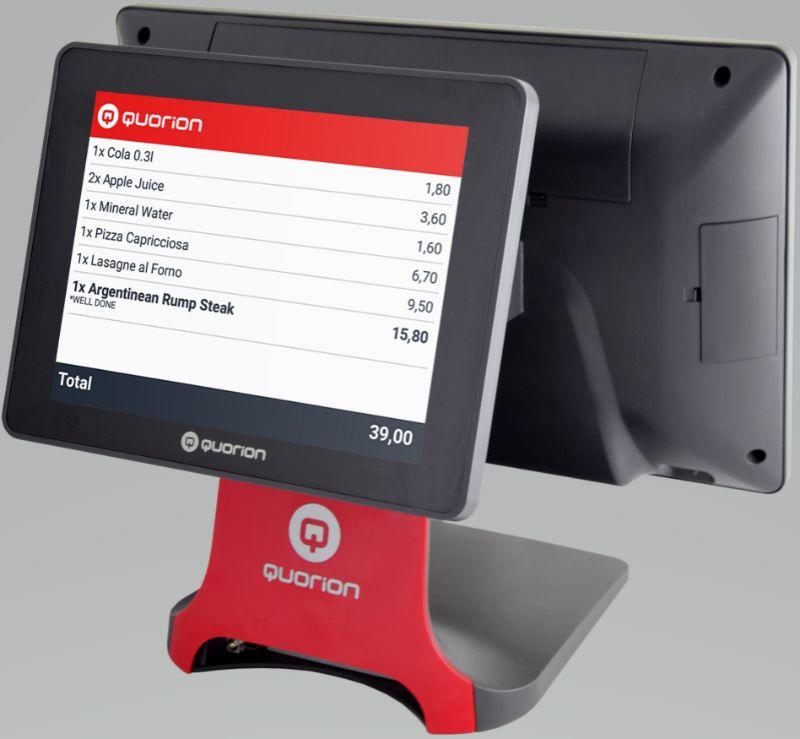
QUORION ماكينة كاشير المانى
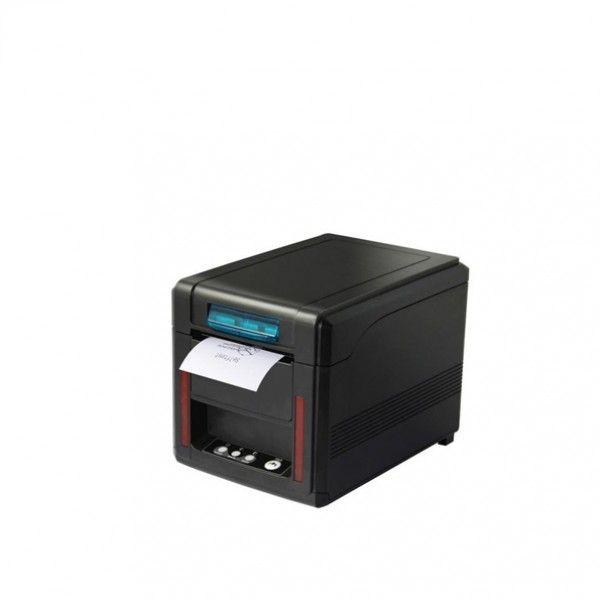
كوريون تاتش سكرين والبرنامج وطابعة فواتير وشاشة العميل
صناعة المانى ضمان ١٠سنوات على السوفت وير
FEATURE SUMMARY
* Same System Software for Retail and restaurant Systems * Automatic Kitchen Printer Re-routing * Mix & Match Tables * Computer Interface for Reporting and Programming * Window Based Operation (selections, corrections, etc) * Cash Declaration * Stock Control * Universal User and Programming Interface for All Models * Article Creation during Registration * Programmable Arrangements (menus) * Macro Functions (up to 99) * Programmable Fonts for Functions (up to 8 fonts) * Header Logo * Trailer Logo * Screen Log
Networking
* LAN & WAN * Floating Clerk & Balances (Tables) * Printer Sharing * Reporting & Programming
Balance Systems
* Number of Tables * Number of Rooms * Number of Accounts * Detailed Balance Invoice
Configurable File Layout
* Articles (up to 50,000) * Departments (up to 999) * Groups (up to 99) * TAX/VAT (up to 8) * Salespersons (up to 999) * Currencies (up to 99) * Tenders (up to 99) * Paid Out and Received on Account (up to 99) * Discounts (up to 99) * Kitchen Texts (up to 999 * Electronic Journal
Supported Accessories
§ Kitchen Printers (up to 8)
§ EFT Terminals
§ Smart-Card terminals
§ Ordering Terminals
§ Invoice Printer
§ Scale
§ Barcode Scanners (up to 2)
§ Dallas Clerk Lock
§ Beverage Dispensers
§
Included Tools
* Q-Prog - PC communication software for programming your electronic cash register or POS system. * Report Generator
§
Configurable Reports
* Up to 4 Periods * Individual Clerk Reports * Individual Salesperson Reports * Time & Date Zone Reports
QMP POS SOFTWARE: REPORTING
The QMP POS software’s reporting functions offer a sheer limitless potential in analyzing your business’s data. As you come to expect from the QMP POS software, everything is completely customizable. With over 500+ or more possible reports it makes it easy for you to retrieve the information like you desire. Moreover, by delivering the capacity to consolidate your data, it adds a competitive value to your operations. Naturally, you can also export data into spread sheets for further analysis. Based on the information you attained from these reports, you can easily adjust store performance by making timely changes to merchandise and promotions or aligning operations around vital revenue targets. Maximize revenue with periodic reports on performance by departments or products and put yourself in the position to quickly react to market trends.
Besides the standard X [http://www.quorion.de/images/ScreenShotB.gif]- and Z- Reports commonly found in the cash register industry, the QMP POS software offers a variety of report types such as detailed invoice, sales, tax, and user defined reports. You can customize all of these to suit your preferences. The X [http://www.quorion.de/images/ScreenShotB.gif]- and Z- Reports a simply a sub-class of all reports, as these indicate whether the data will be displayed (X [http://www.quorion.de/images/ScreenShotB.gif]) or deleted from record (Z) after they are shown (either via print-outs, PC screen or as a FLASH report on the cash register itself).
POS SOFTWARE REPORTS - HIGHLIGHTS
INVOICE REPORTS
* Breaks down sales for a selected period by department or any user defined parameter * Lists of all payouts * Displays invoices printed for the selected time frame including net, tax, and total amount, how the customer paid, and the employee who managed the transaction. *
SALES REPORTS
* A breakdown of sales for a defined period by net, tax, and gross sales * Shows the amount of payouts for each selected period * Shows the number of invoices printed for each selected period * Lists total sales by department for the dates requested including a breakdown of customer tendering * The program automatically summarizes sales by user defined parameter such as product and period * Delivers vital information to prepare financial reports *
SALES TAX REPORTS
* Daily Invoices – displays all invoices for a particular time period * Cash Payout Report - lists all cash payouts for a particular time period *
USER DEFINED REPORTS
* Customize reports to your own preference. POS software saves customized reports for quick retrieval. * Up tp 500+ different reports possible with configuration matrix: Period (4) x Pointer Types (7) x File Types (20)
ماكينة كاشير و نقاط البيع
1